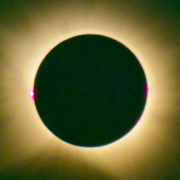
Totale Sonnenfinsternis 12.08.26 – Beobachtet in Spanien
Unser Außenteam hat die Totale Sonnenfinsternis in Spanien erlebt und fotografiert
Weiterlesen
Unser Außenteam hat die Totale Sonnenfinsternis in Spanien erlebt und fotografiert
Weiterlesen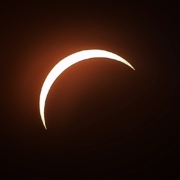
So einen Ansturm von Besuchern wie am 12.8.2026 hat die Sternwarte Höfingen in den 56 Jahren Ihres Daseins nicht erlebt. Das Wetter war perfekt und die partielle Sonnenfinsternis mit 90% Bedeckungsgrad natürlich ein ganz besonderes Ereignis.
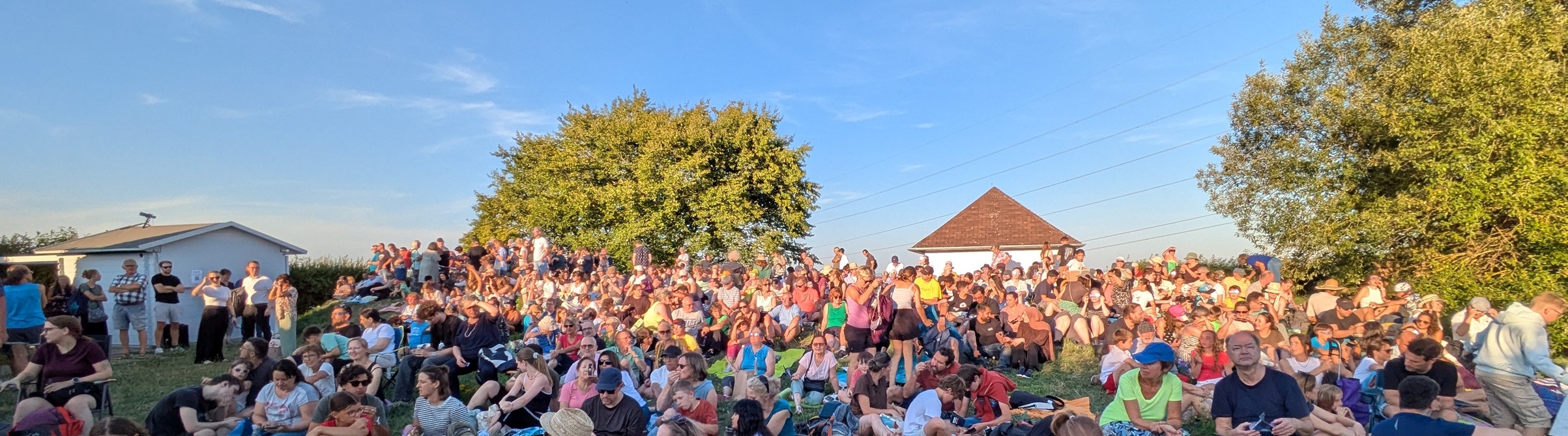
Unseren Besuchern ein Riesenlob:
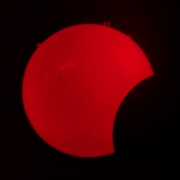
Sonnenfinsternis und der Höhepunkt des Perseiden Meteorschauers an einem Abend. Da kommt man als Hobbyastronom echt in erhöhten Stress.
Fangen wir mit den Bildern der Sonnenfinsternis an:

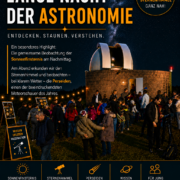
Liebe Astronomiebegeisterte, liebe Freundinnen und Freunde des Nachthimmels, die Sternwarte Höfingen lädt euch herzlich zur Langen Nacht der Astronomie ein!
Wann: Mittwoch, 12. August 2026
18:30 Uhr: Start & Einführung ins Programm
19:15 – 20:15 Uhr: Beobachtung der Sonnenfinsternis (mit sicheren Methoden vor Ort)
19:30 – 21:00 Uhr: Paralleler Livestream von anderen Standorten
ab 21:00 Uhr: Beobachtungen am Dämmerungshimmel (Venus, Doppelsterne)
Ab 22:00 Uhr: Der Sommersternhimmel (Sternbilder, Milchstraße, Sternhaufen, Gasnebel) und Sternschnuppennacht (gemeinsames Zählen der Meteore des Perseidenstroms)
24:00 Uhr: Ende der Veranstaltung
um 20 Uhr im Alten Rathaus von Höfingen Pforzheimer Str. 11, 71229 Leonberg-Höfingen
Lassen Sie sich von Hagen Glötter in die Welt der Künstlichen Intelligenz einführen und erhalten ein Grundverständnis von K.I. ohne technisches Vorwissen.
Was Sie erwartet:
Programmänderungen in Kursivschrift
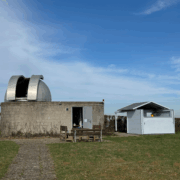
Geplant war: Am Samstag, 28.03.2026 ab 15 Uhr bietet die Sternwarte Höfingen Beobachtungen am Tag- und Nachthimmel, Vorträge und Austausch zu aktuellen astronomischen Themen.
Weiterlesen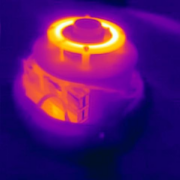
Nachdem [ersten Teil] die Allsky-Software auf dem Raspberry Pi 5 installiert ist, kümmern wir uns jetzt um die Hardware und das Gehäuse unserer Kamera.
Weiterlesen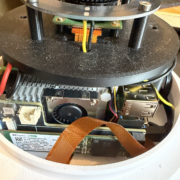
Nachdem wir im letzten (sehr lesenswerten) Beitrag erklärt haben, warum es total sinnvoll ist eine Allsky-Kamera zu bauen, geht es jetzt los: Die Installation der Software.
Weiterlesen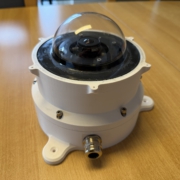
Als kleine Sternwarte ist der Blick in die Sterne unsere größte Leidenschaft. Doch was passiert eigentlich über unseren Köpfen, wenn wir gerade nicht durchs Teleskop schauen, die Kuppel geschlossen ist oder wir einfach wissen wollen, wie sich das Wetter in der Nacht entwickelt hat?
Weiterlesen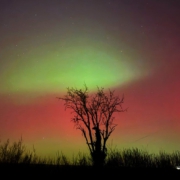
Eine Eruption auf der Sonne (koronarer Massenauswurf) am 18. Januar 2026 traf am späten Abend des 19. Januar auf die Erde und erzeugte starke Polarlichter. Wir hatten das große Glück, dass der Himmel völlig klar war und kein Mondlicht störte.
Weiterlesen